We’re excited to be an approved vendor on the Utah Fits All Marketplace, making it easy for UFA families to use their scholarship funds on Messages from Christ products.
Below is a simple step-by-step guide to help you purchase using your UFA funds.
Step 1: Log in to the Utah Fits All Marketplace
Sign in to your Utah Fits All parent portal and navigate to the Marketplace section.
Step 2: Find Messages from Christ
Use the search bar or browse approved vendors to locate Messages from Christ.
Once you click into our vendor page, you’ll see a list of our currently available products approved for UFA purchase.
Step 3: Browse Available Products
Scroll through our listings to choose the box or product that best fits your child.
Available items may include:
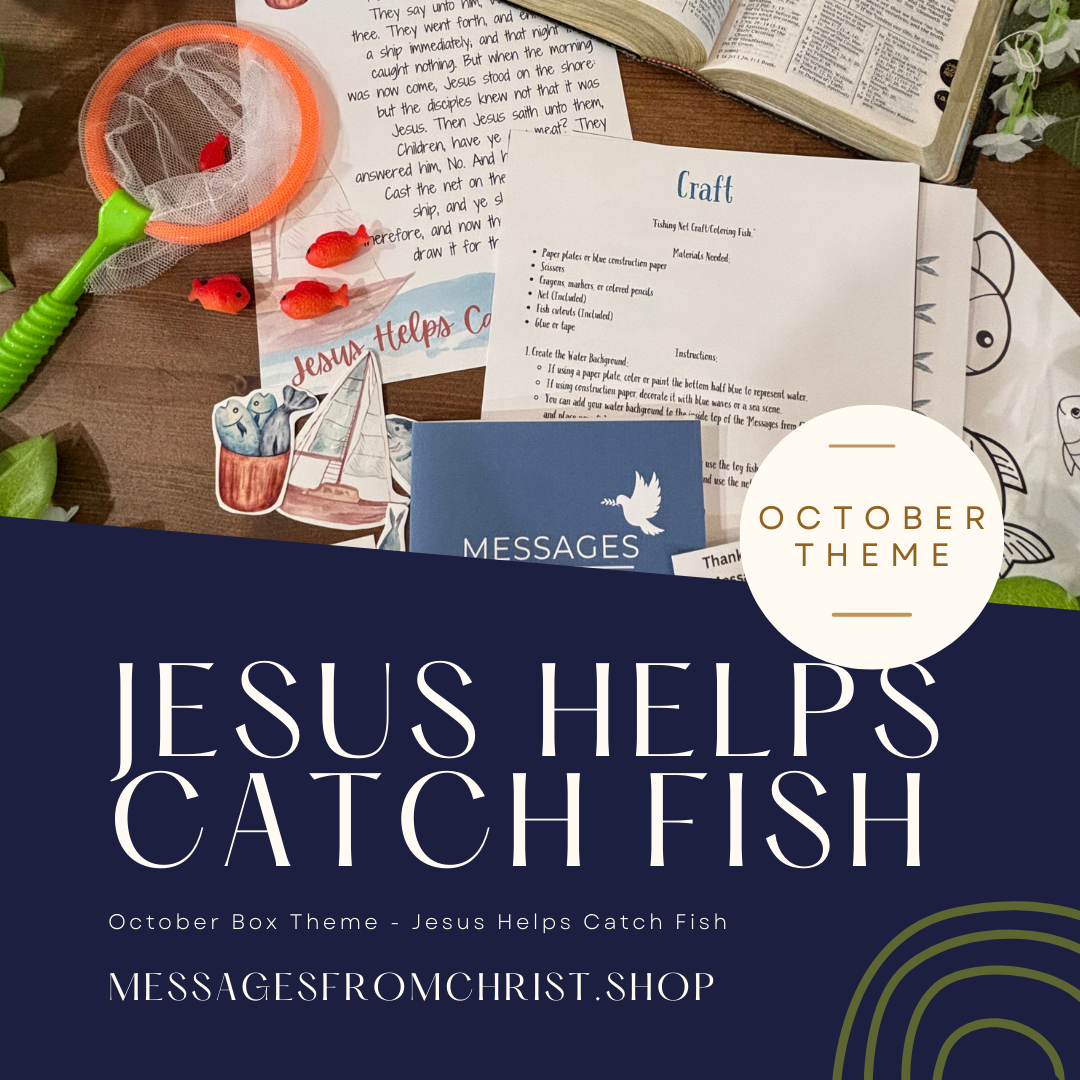
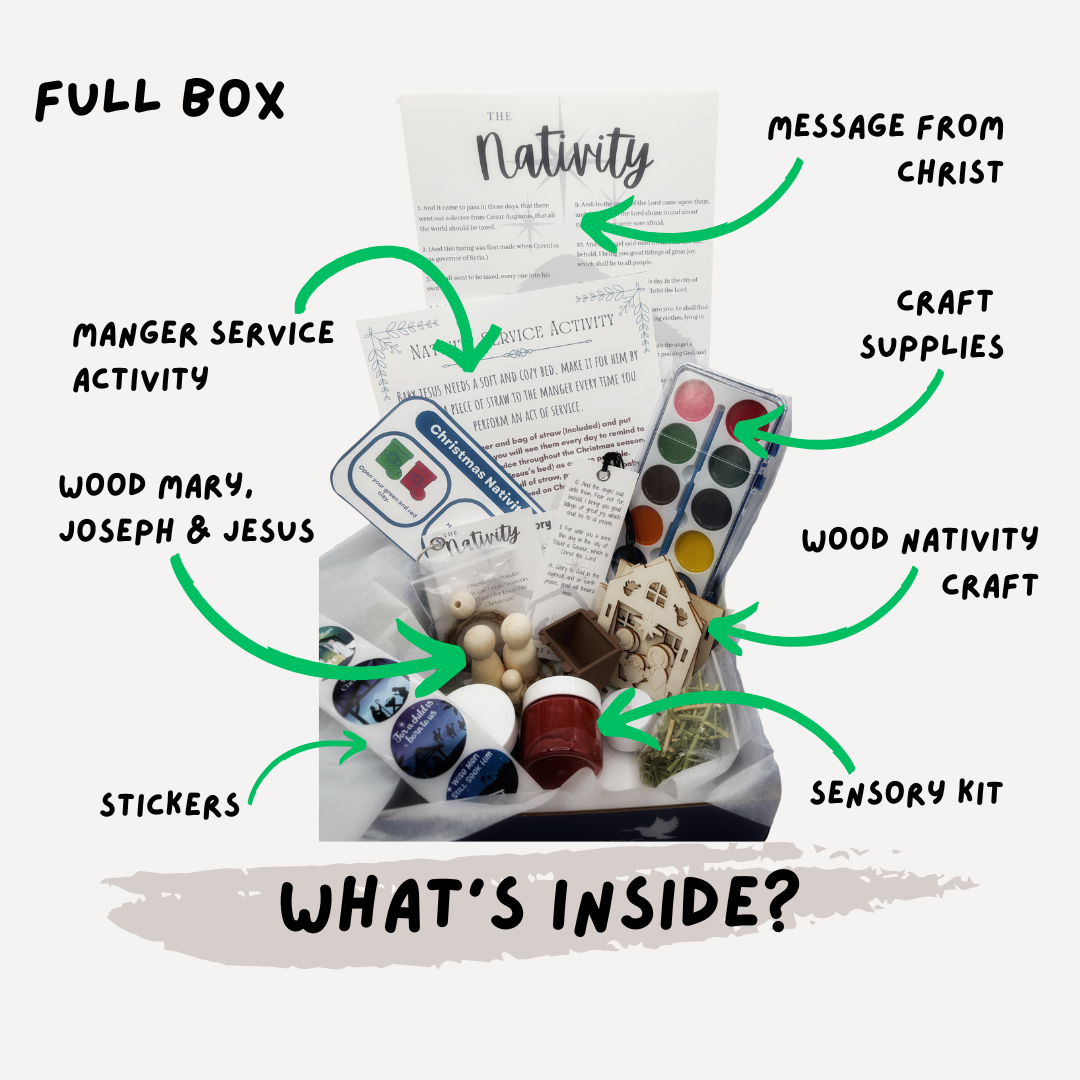
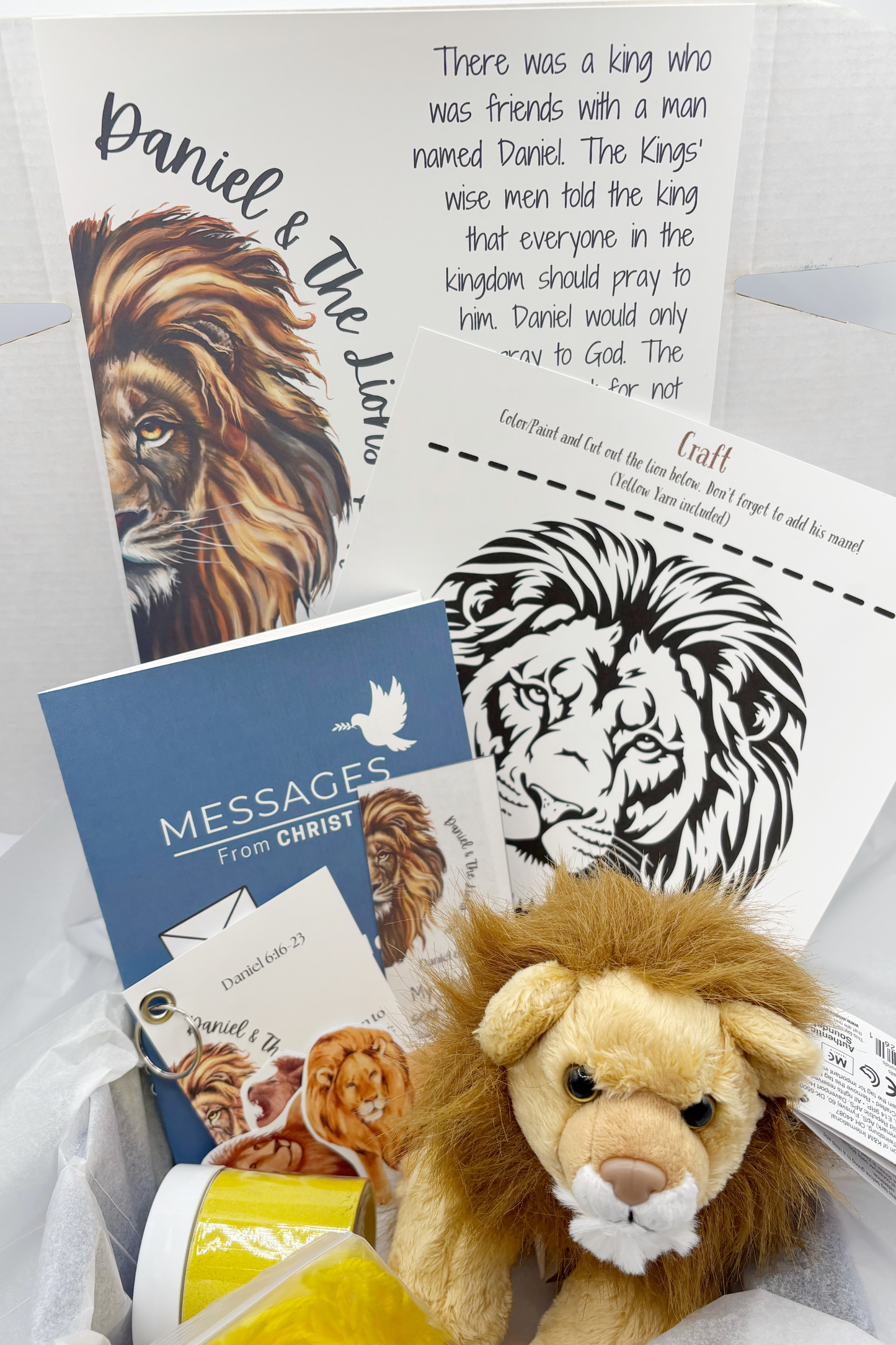
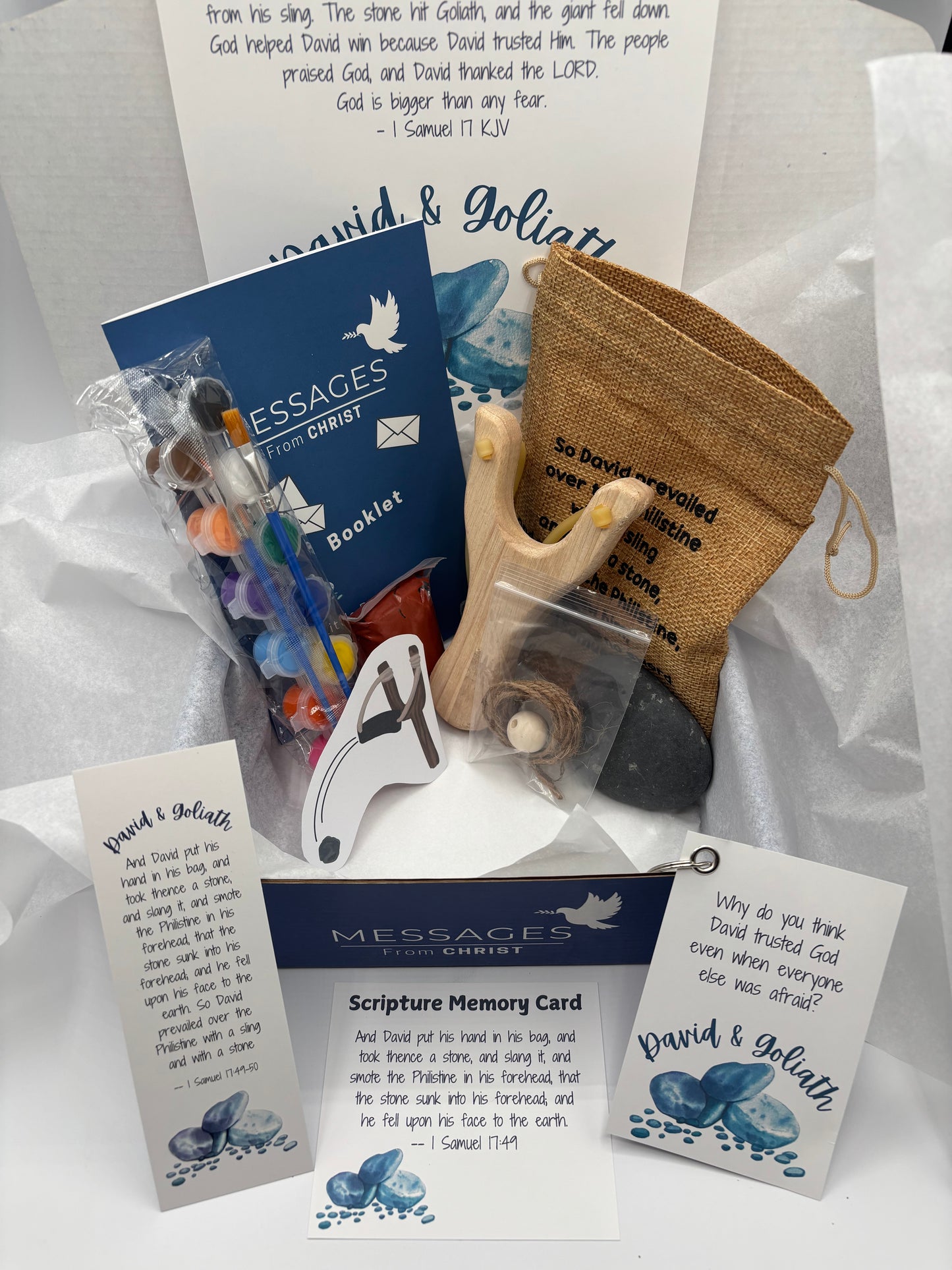
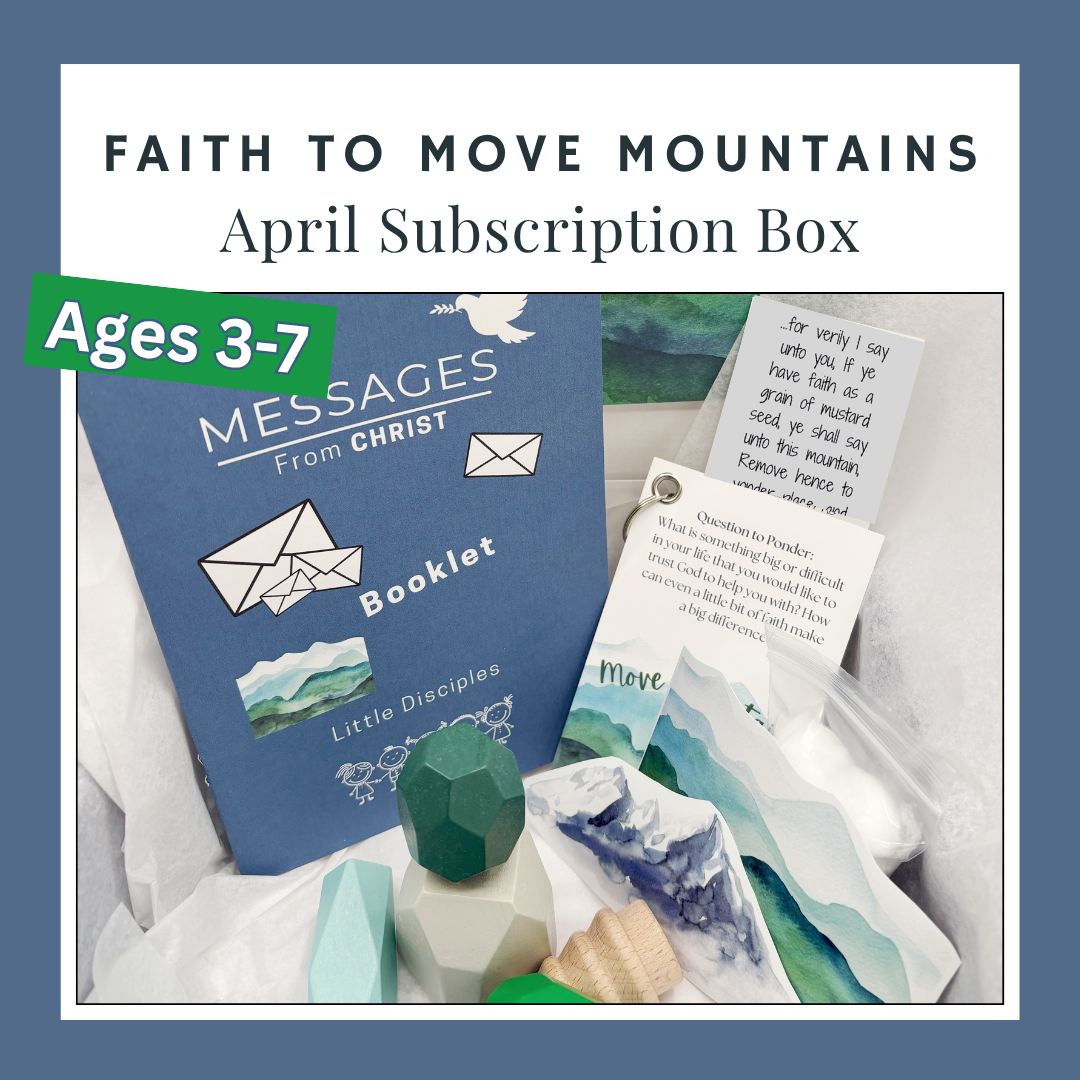
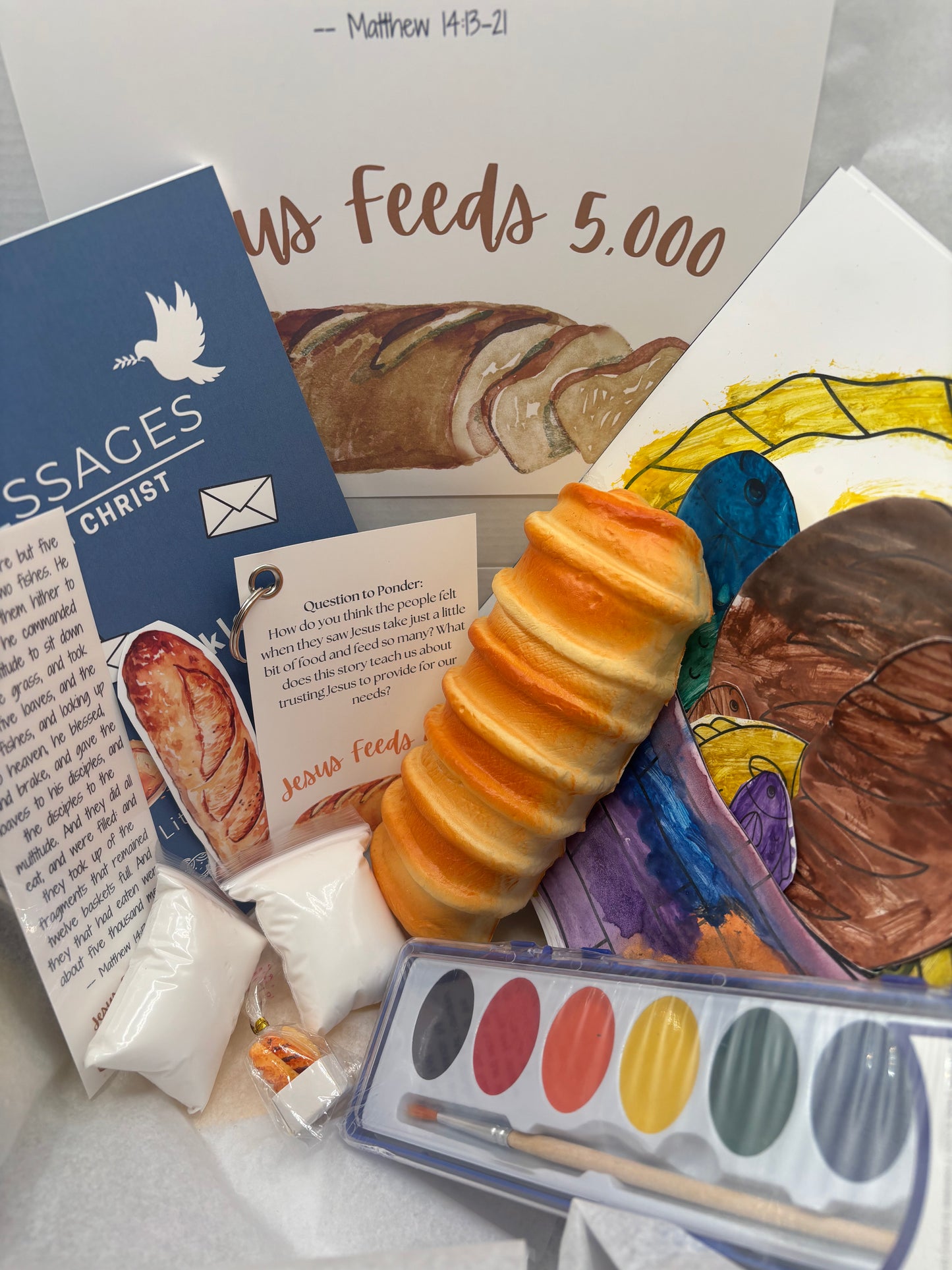
Monthly themed Messages from Christ boxes
Book Club Boxes and select add-ons
(Product availability may vary by month based on UFA approvals.)
Step 4: Purchase Using Your UFA Funds
Add your chosen product to your cart and complete checkout directly within the Utah Fits All Marketplace using your scholarship funds.
No separate payment or reimbursement is needed when purchasing through the Marketplace.
Helpful Things to Know
Purchases are made inside the Utah Fits All system, not on our website
Products must be purchased as listed in the Marketplace
If you’re purchasing for multiple children, each child will require a separate order depending on UFA guidelines
Need Help?
If you have trouble finding our products or have questions about which box is right for your child, feel free to contact us — we’re happy to help!